With WordStat, Data Analysts can quickly extract valuable text analytics results from large collections of documents such as customer feedback, emails, open-ended responses, interview transcripts, incident reports, patents, legal documents, blogs, websites, and more.
Create projects from more data sources:
Several features allow you to easily organize your data in ways that make your analysis process straightforward:
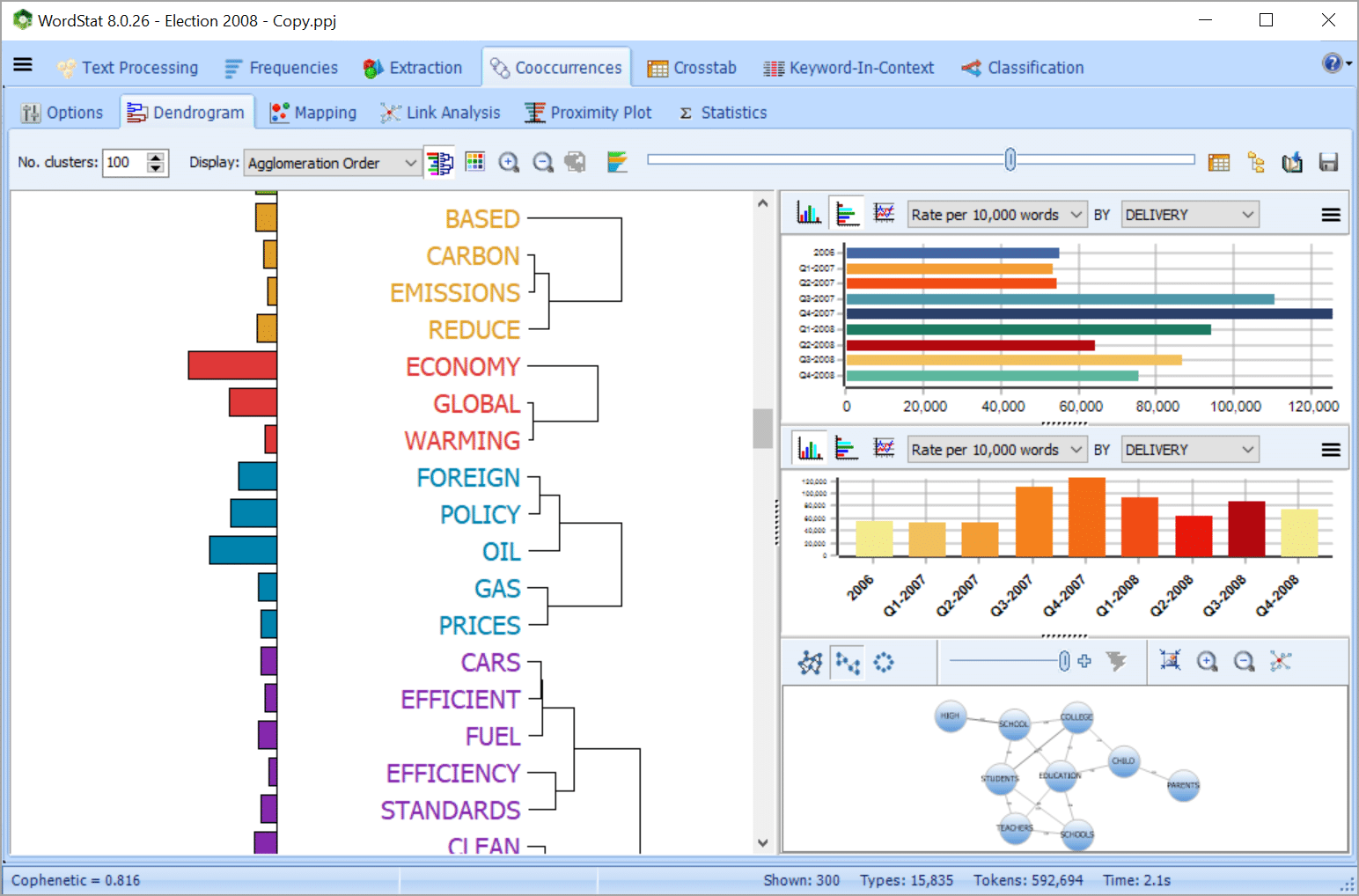
Quickly and easily extract meaning from large amounts of text data using Explorer mode, specially made for those with little text mining experience.
Identify the most frequent words, phrases, and extract the most salient topics in your documents with the topic modeling tool. At any time, you can switch to Expert mode which gives you access to all WordStat’s features.
In a few seconds, explore the content of large amounts of unstructured data and extract insightful information:
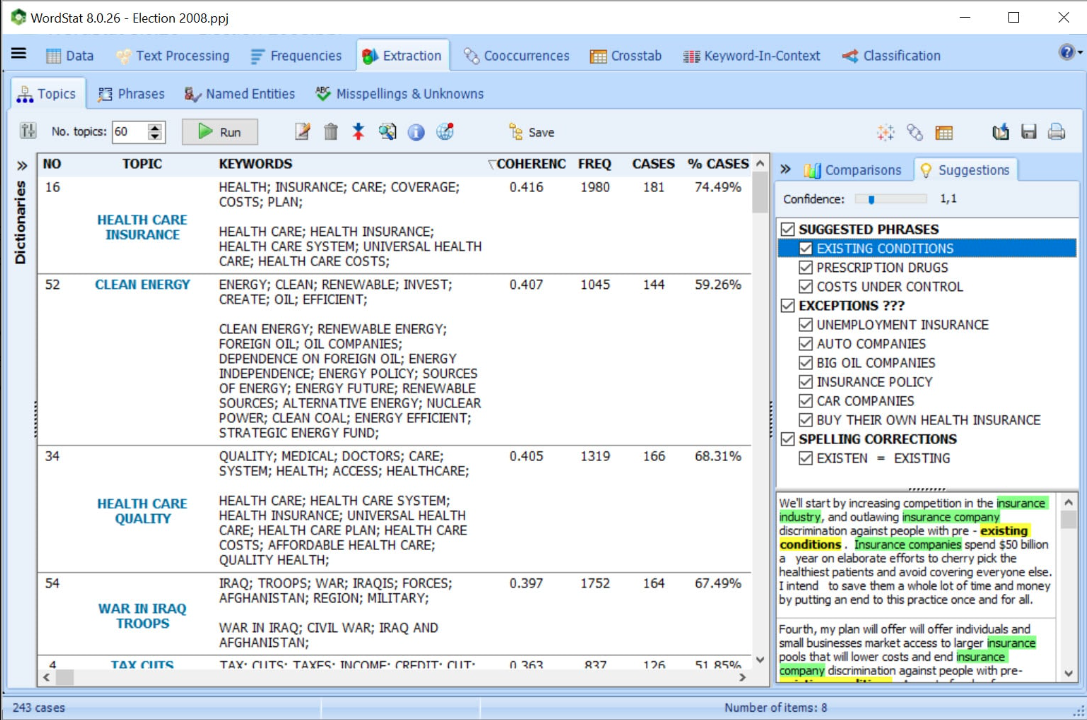
Get a quick overview of the most salient topics from very large text collections using state-of-the-art automatic topic extraction by applying a combination of natural language processing and statistical analysis (NNMF or factor analysis) not only on words but also on phrases and related words (including misspellings).
While in hierarchical cluster analysis, a word may only appear in one cluster, topic modeling may result in a word being associated with more than one topic, a characteristic that more realistically represents the polysemous nature of some words as well as the multiplicity of contexts of word usages.
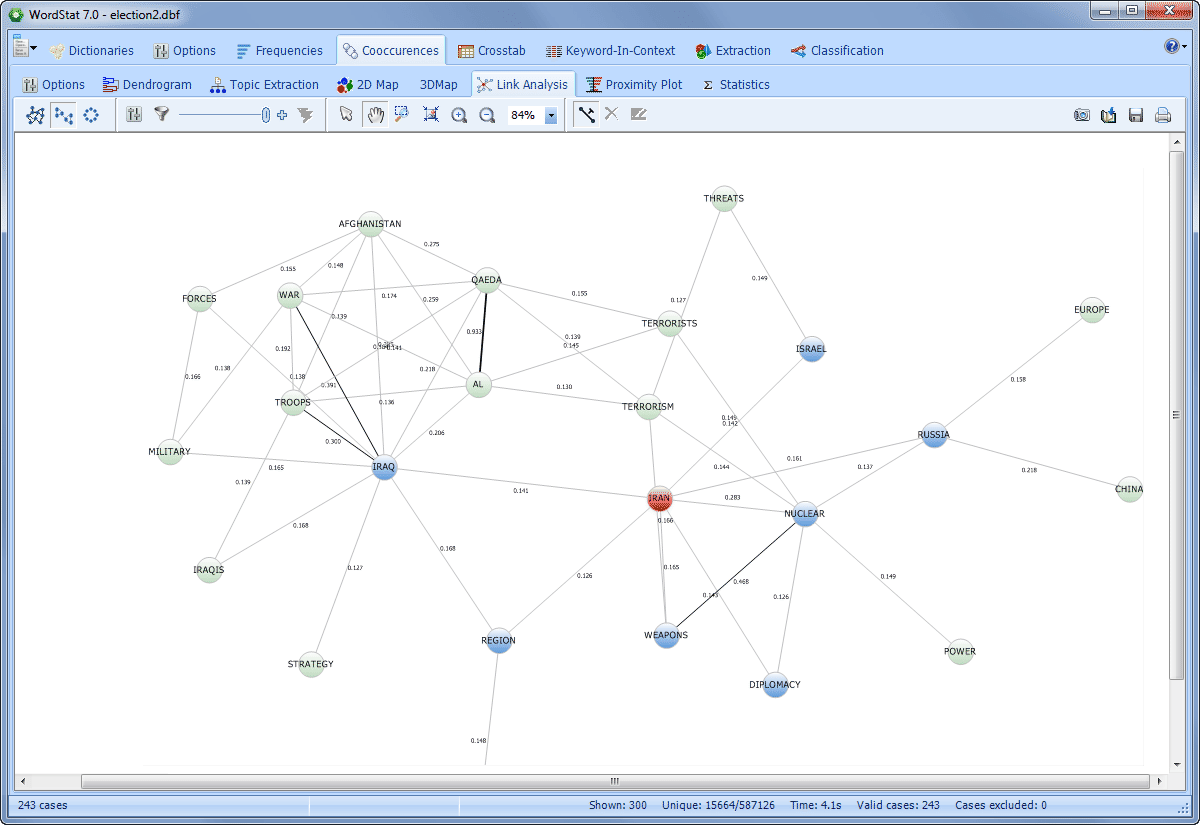
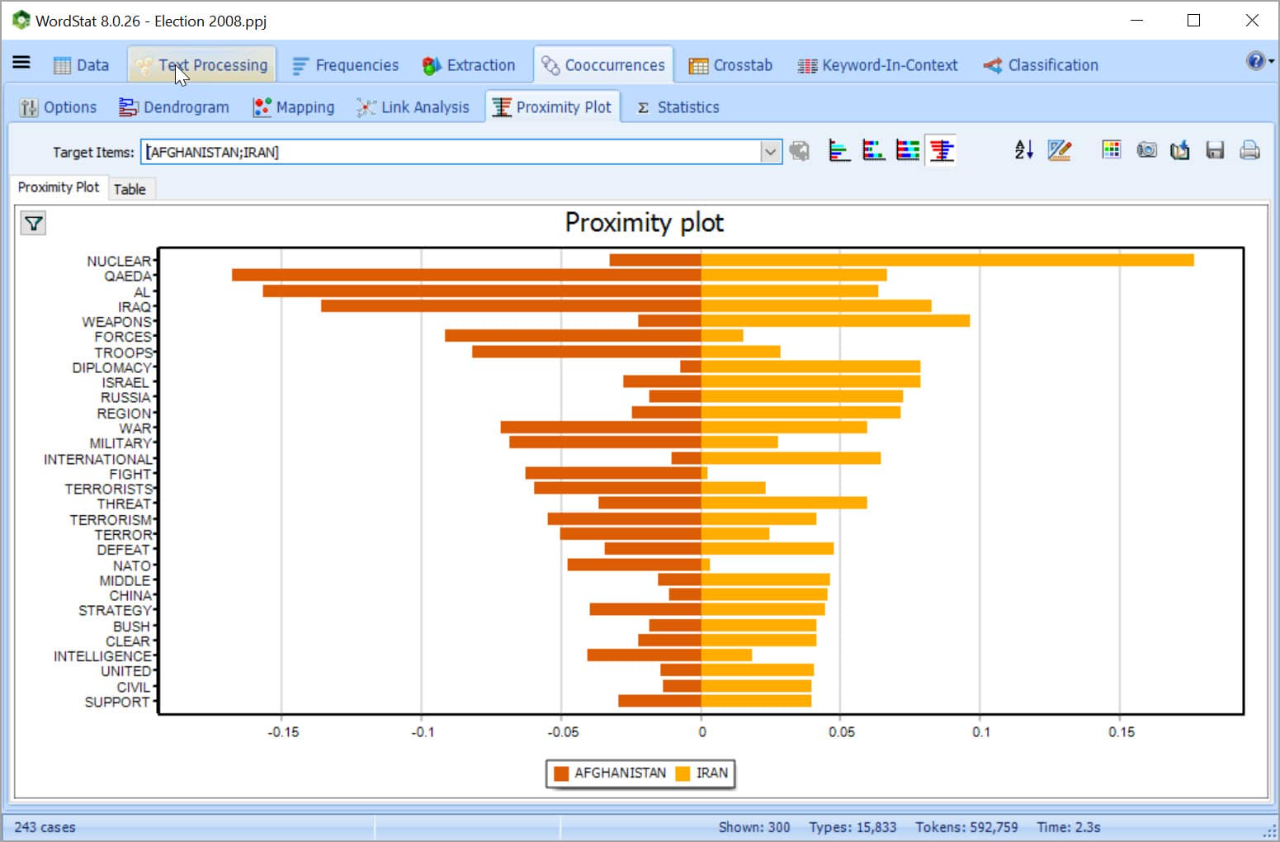
Explore connections among words or concepts using a network graph. Detect underlying patterns and structures of co-occurrences using three layout types: multidimensional scaling, a force-based graph, and a circular layout.
Graphs are interactive and may be used to explore relationships and to retrieve text segments associated with specific connections.
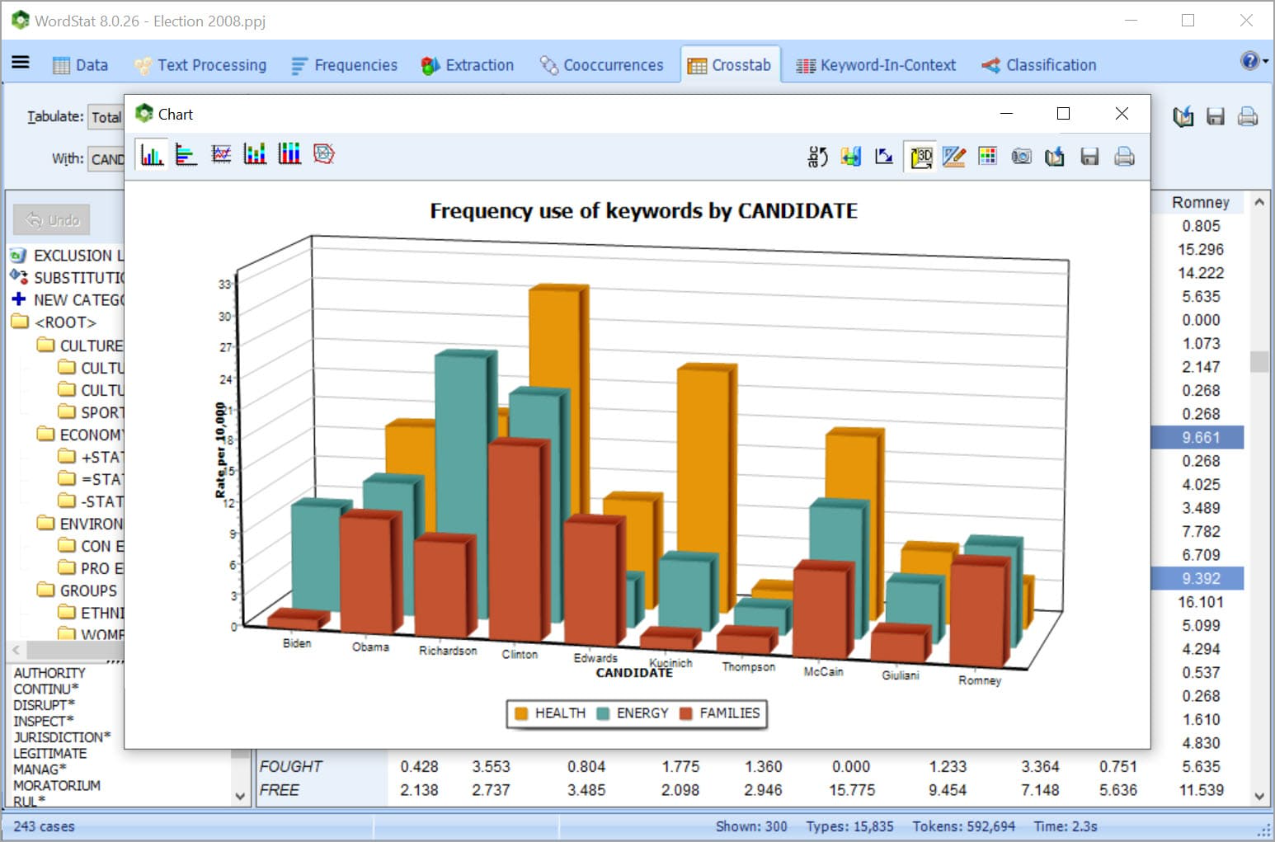
Explore relationships between unstructured text and structured data:
Achieve full-text analysis automation using existing dictionaries or create your own categorization model of words and phrases.
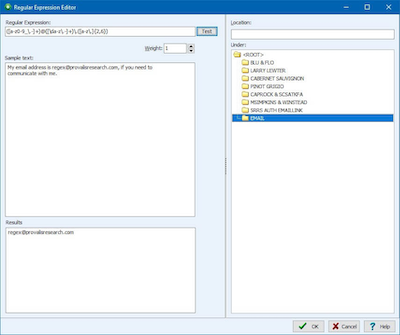
In the dictionary, one can implement Boolean (AND, OR, NOT) and proximity rules (NEAR, AFTER, BEFORE) and use Regular Expression formulas to quickly extract specific information from text data.
Dictionary moderated lemmatization and stemming are available in several languages and an automatic word substitution option allows you to substitute several words with a target keyword. A user-defined list of stop words is available in several languages to avoid nonessential frequent words such as he, she, it, etc in the analysis.
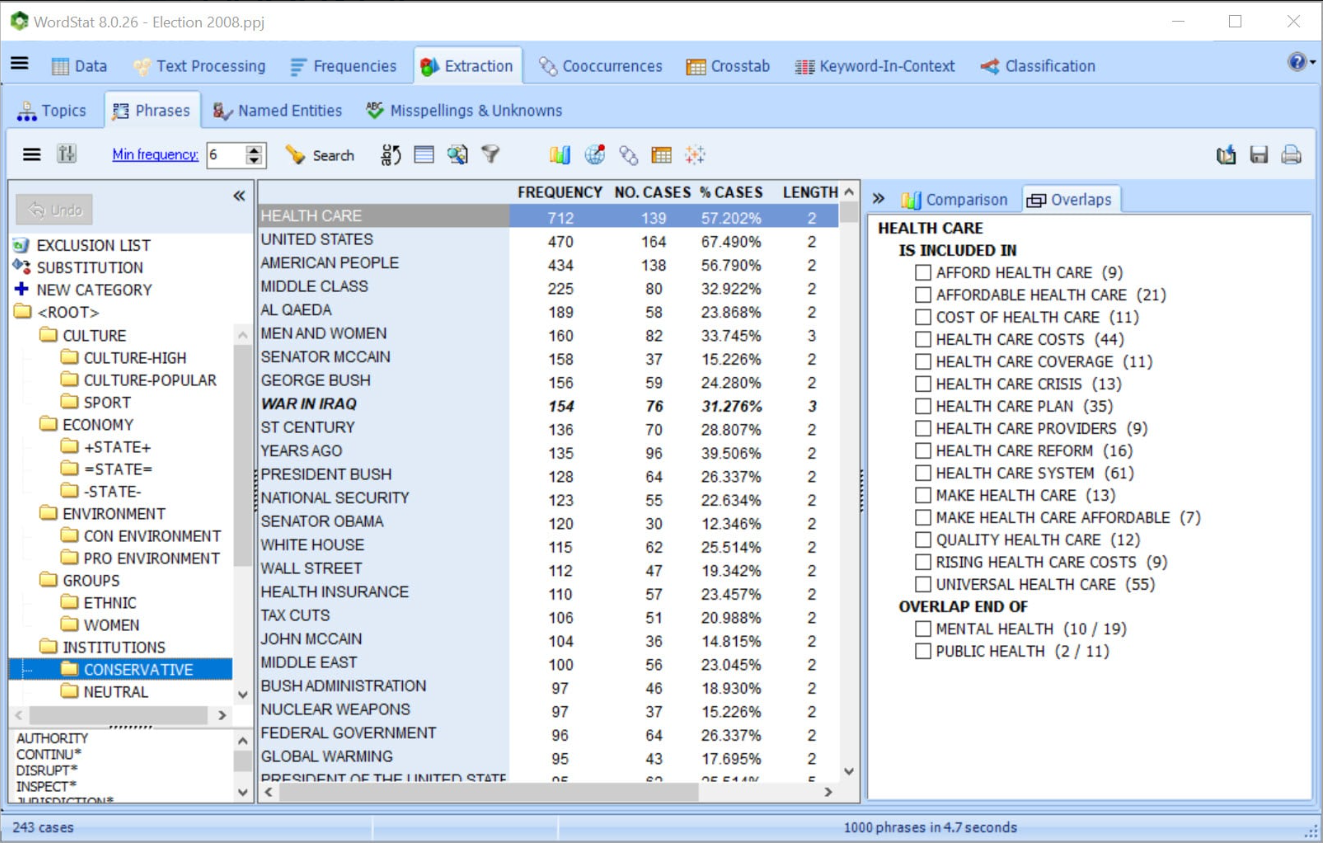
Get truly unique computer assistance for taxonomy building with tools for extracting common phrases and technical terms and for quickly identifying in your text collection misspellings and related words (synonyms, antonyms, holonyms, meronyms, hypernyms, hyponyms).
Develop and optimize automatic document classification models using Naïve Bayes and K-Nearest Neighbours. There are numerous validation methods that users can select: leave-but-one, n-fold cross-validation, split sample. An experimentation module can be used to easily compare predictive models and fine-tune classification models.
Classification models may be saved to disk and applied later in QDA Miner, in a standalone document classification utility program, a command-line program or a programming library.

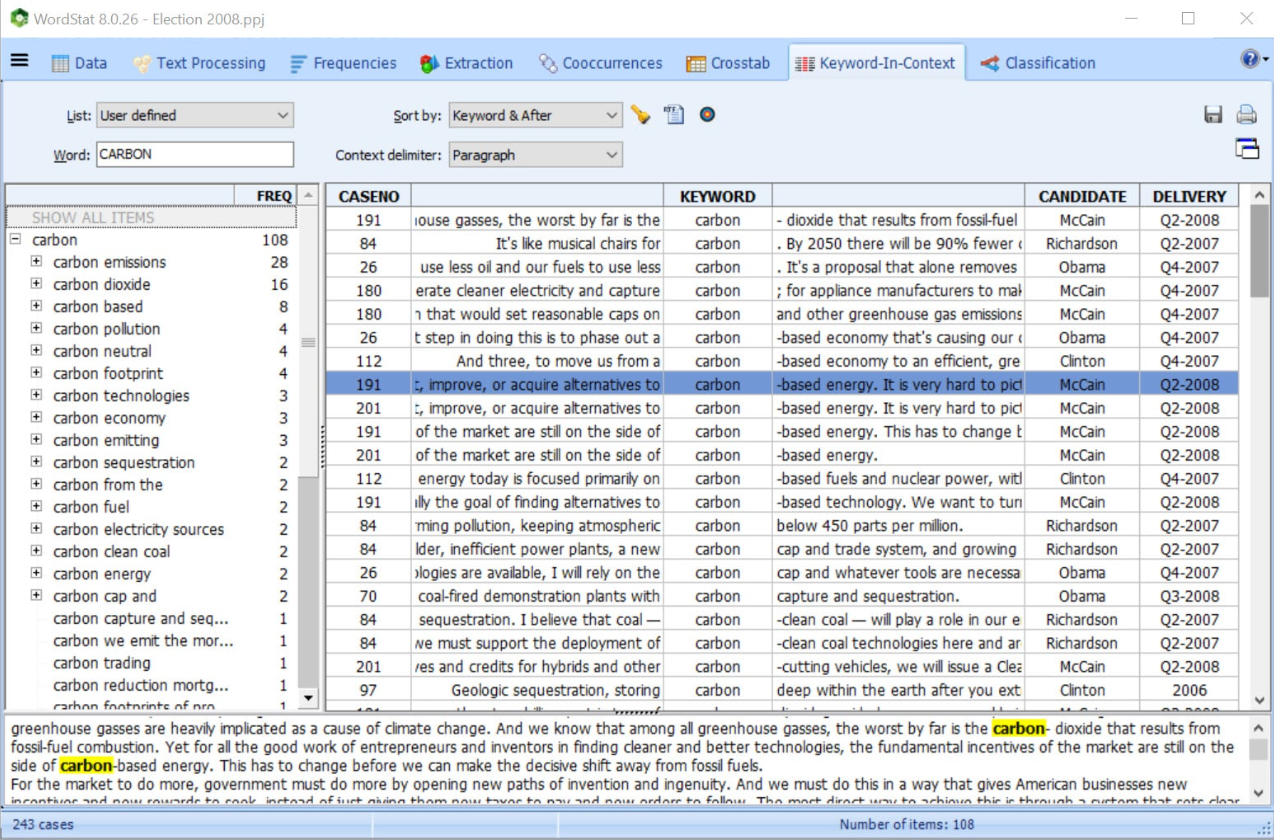
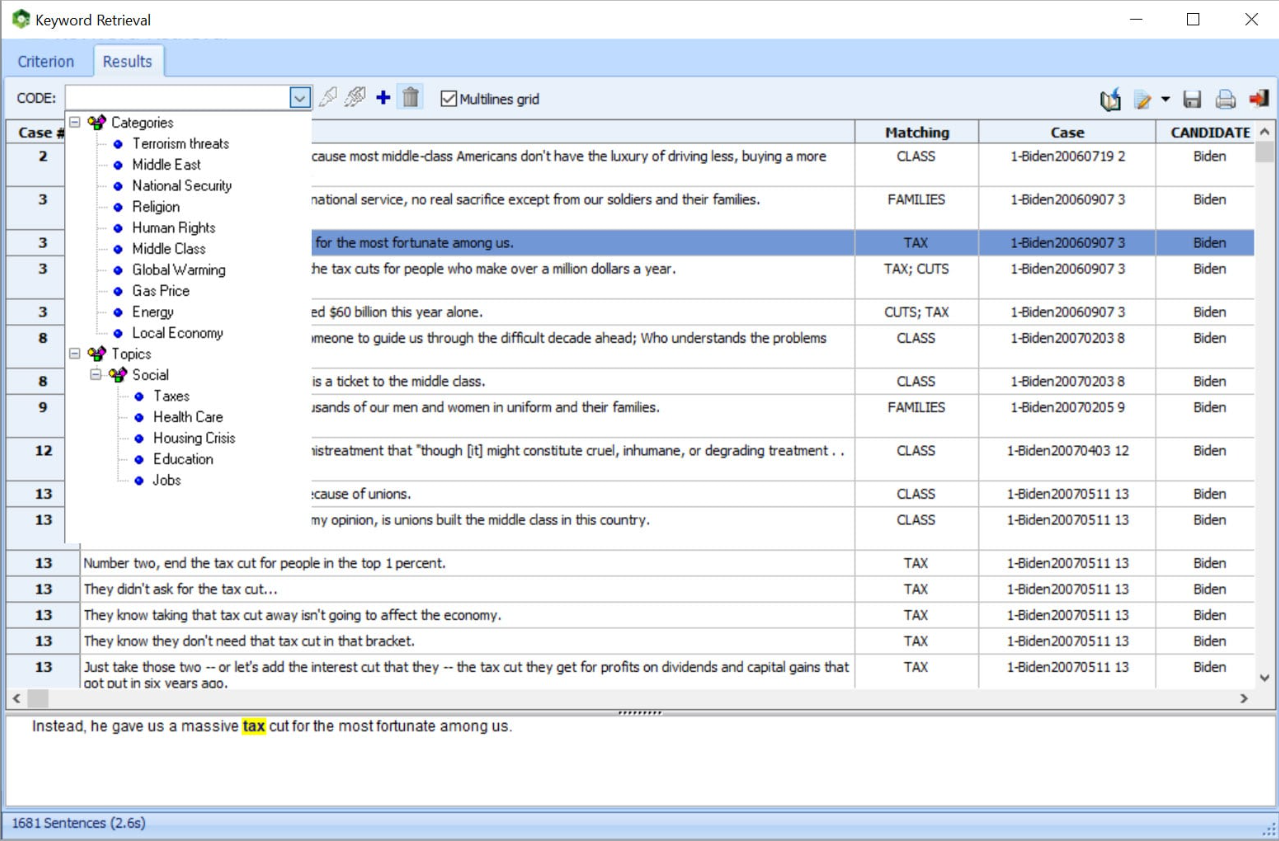
Verify or dig deeper into your analysis by going back to the text from almost any feature, chart, or graph using Keyword Retrieval or Keyword-in-Context to retrieve sentences, paragraphs, or whole documents. This is particularly helpful when building taxonomies or for word-sense disambiguation.
The retrieved text segments can be sorted by keyword or any independent variable. You can attach QDA Miner codes to retrieved segments or export them to disk in tabular format (Excel, CSV, etc.) or as text reports (MS Word, RTF, etc.).
Combine WordStat with a state-of-the-art qualitative coding tool (QDA Miner), for more precise exploration of data or a more in-depth analysis of specific documents or extracted text segments when needed.

Relate unstructured text data with geographic information and create interactive plots of data points, thematic maps, and heatmaps, along with a geocoding web service for transforming location names, postal codes and IP addresses into latitude and longitudes.
Automatically extract named entities (names, technical terms, product and company names) that can be added to the categorization dictionary using an easy drag-and-drop-operation.
Misspellings and unknown words are automatically extracted and matched with existing entries in the user dictionary and may be quickly added to the dictionary.

Export text analysis results to common industry file formats such as Excel, ASCII, HTML, XML, MS Word, to popular statistical analysis tools such as SPSS and Stata and to graphs such as PNG, BMP, and JPEG.
Use Python script and its full range of open-source libraries to preprocess or transform text documents for analysis in WordStat.